Subtitle

Scrombler.
View in App StoreAt A Glance
Private messaging through a shared keyboard code.
Primary
Utilities
Secondary
Social Networking
Rating
4+
Screenshots
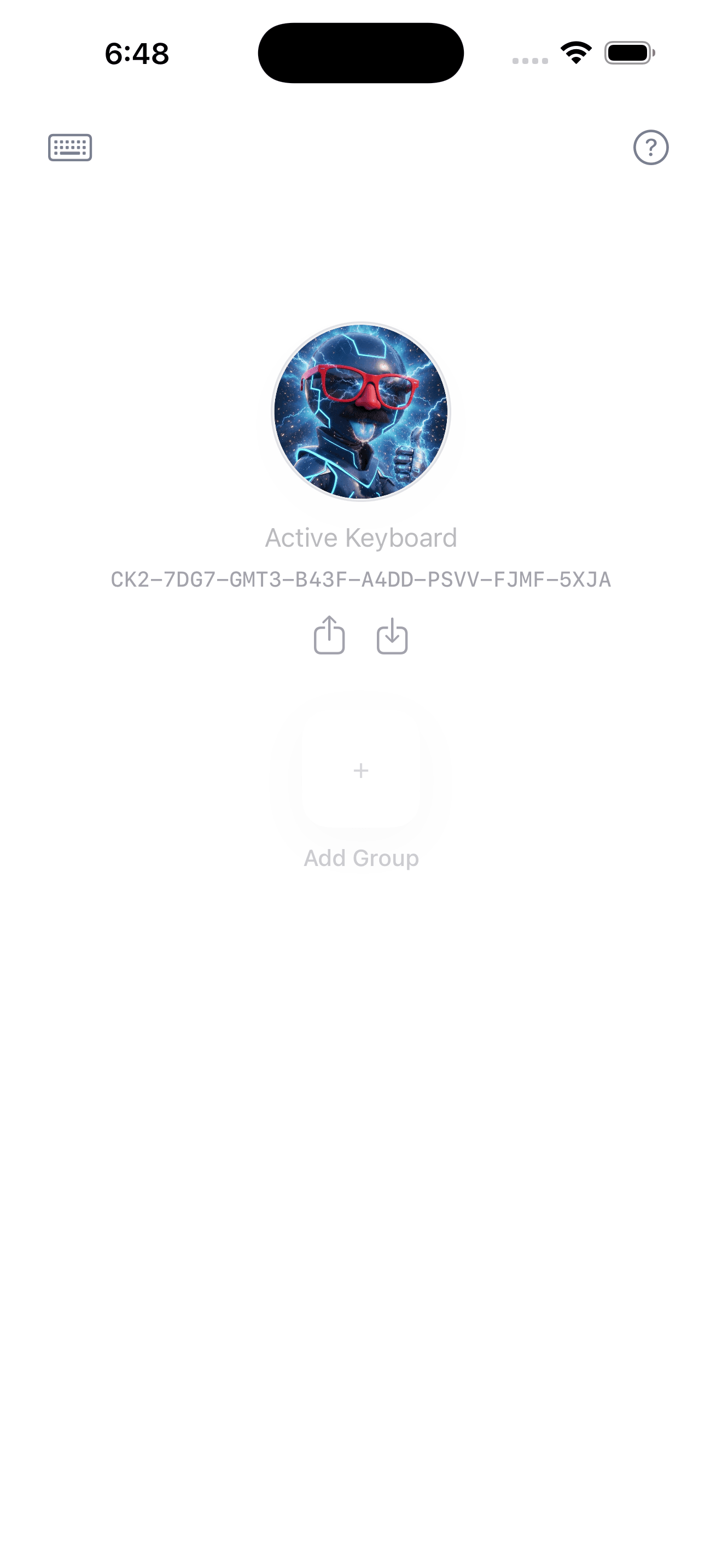
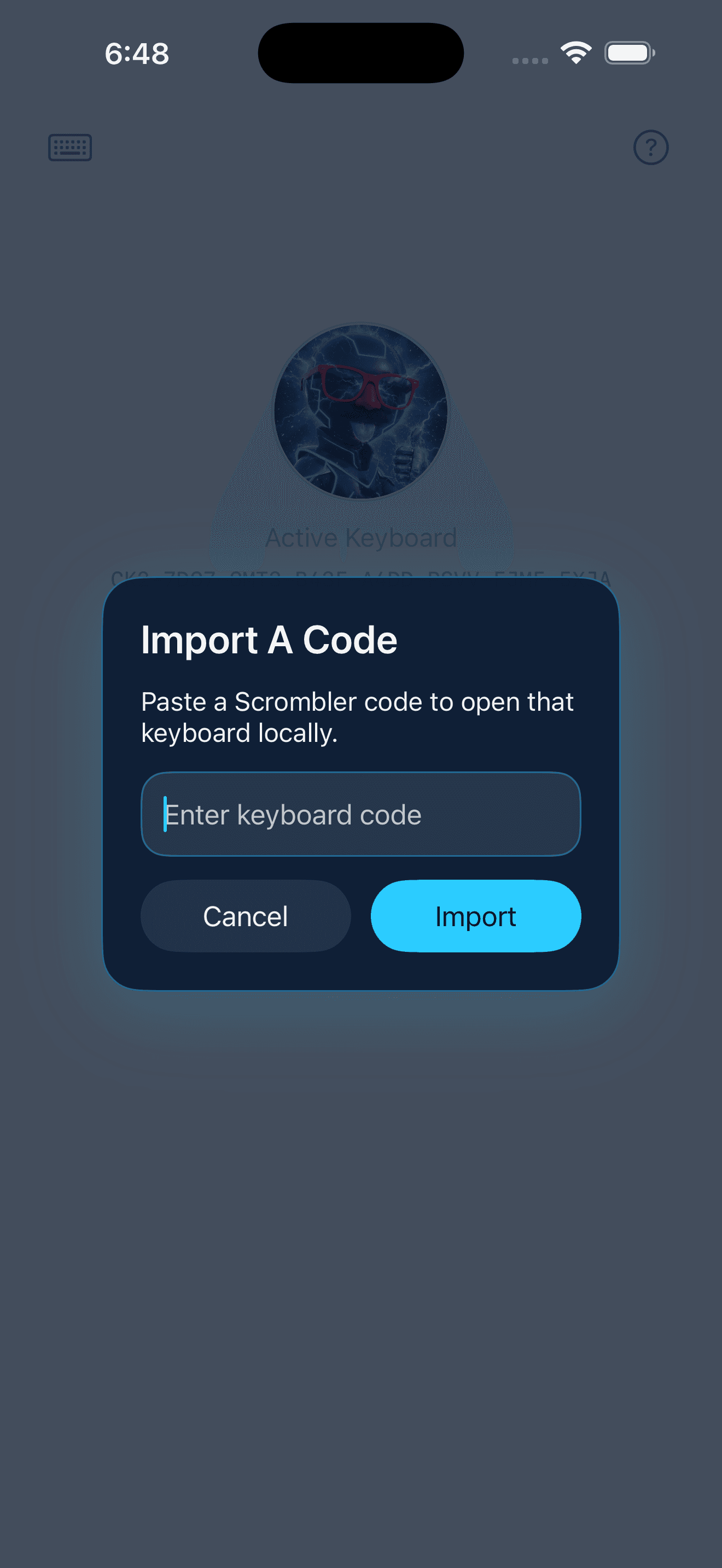
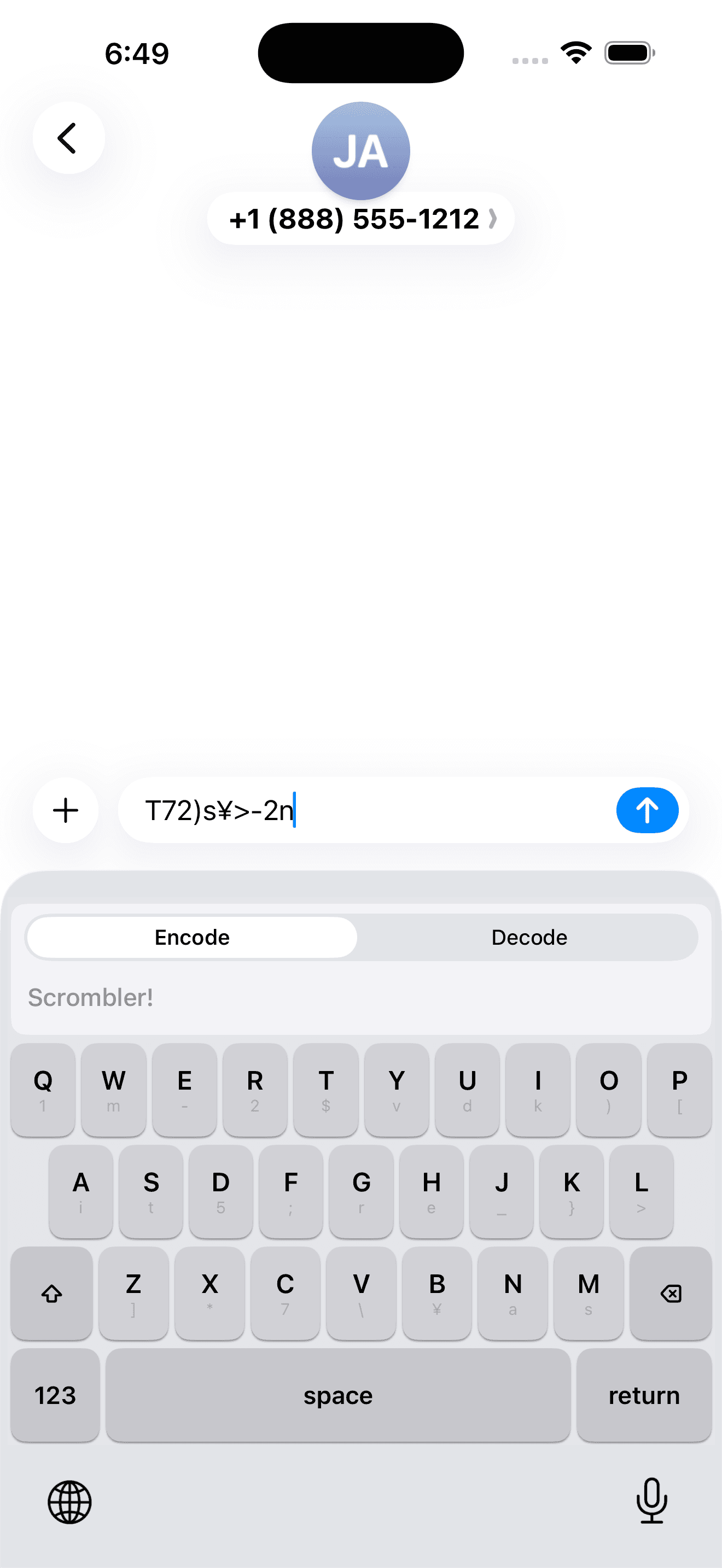
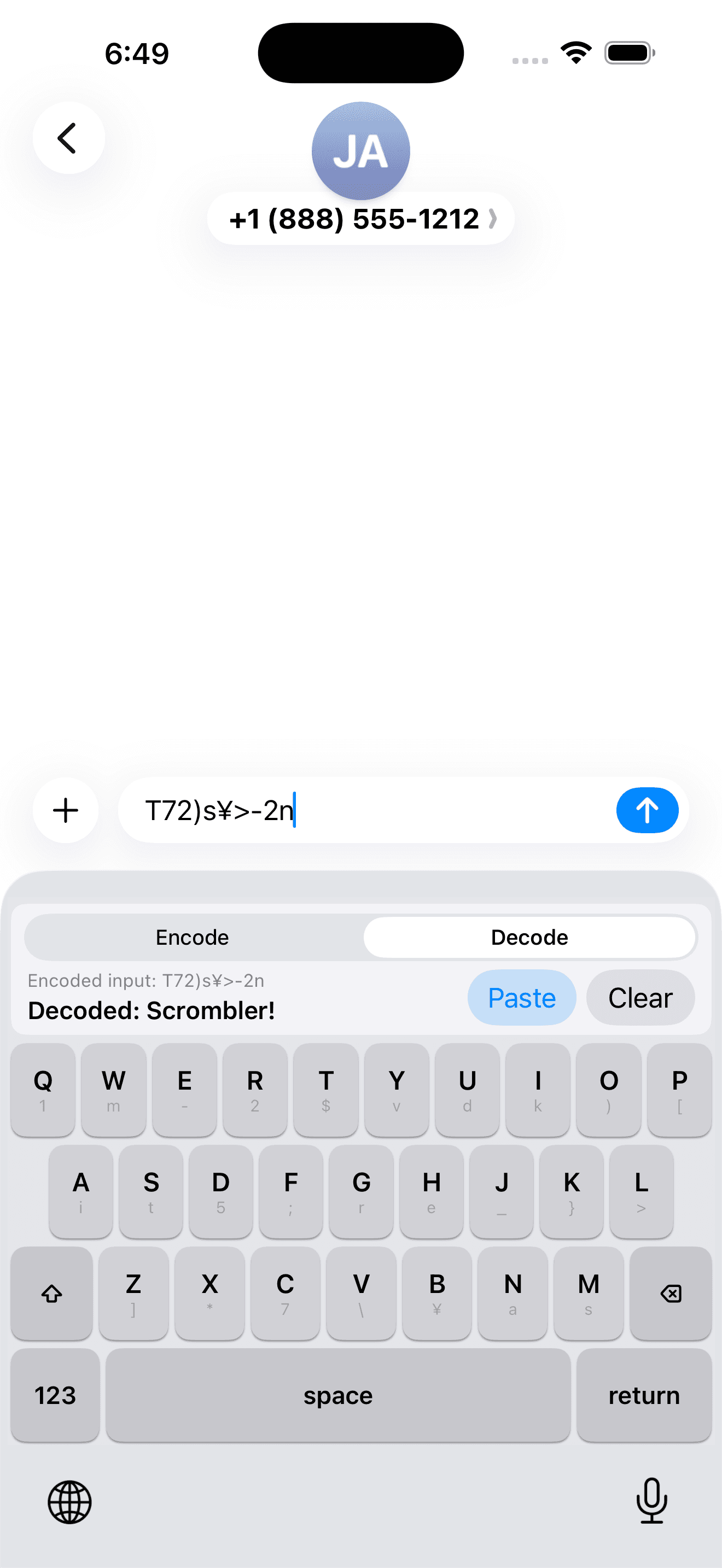
Code generation, import, encode, and decode.
How It Works
Share a code. Switch keyboards. Start typing in cipher.
Step 1
Generate a keyboard code
Open Scrombler and create a unique code. That code determines the exact cipher mapping your keyboard will use.
Step 2
Share it with the people you trust
Send the code to a friend, a small group, or anyone you want to communicate with privately.
Step 3
Type in encrypted form instantly
Switch to the Scrombler keyboard and type. Recipients with the same code can decode your messages immediately on their device.
Built For Privacy
Nothing leaves your phone.
Zero Network Connections
No servers, no syncing, no middleman.
Scrombler never contacts a server. It does not collect analytics, telemetry, crash data, advertising identifiers, or any other personal information.
Full Access
Requested only so the keyboard can read your saved codes.
Even with Full Access enabled, the keyboard does not use the internet, log keystrokes, or send typed text anywhere. It is only there so the extension can read your saved mappings from the shared App Group container.
Deterministic Encryption
The same code always creates the same keyboard on every device.
Consistent
No sync required
Two people with the same code get the exact same scrambling behavior automatically. There is nothing to download or sync.
Offline
Works entirely on-device
Cipher mappings, group settings, and avatars stay local. The system was designed to function without a network at all.
Flexible
Built for different conversations
Use separate keyboard identities for different groups, chats, or teams without mixing codes together.
Features
Generate keyboard codes with built-in checksum validation.
Full keyboard support for letters, numbers, symbols, and shift.
Decode mode for turning scrambled text back into plain language.
Create groups for different conversations and friend circles.
Custom group avatars selected from your photo library.
Works entirely offline with zero network connections.
Support And Privacy