Turn a video into an assignment
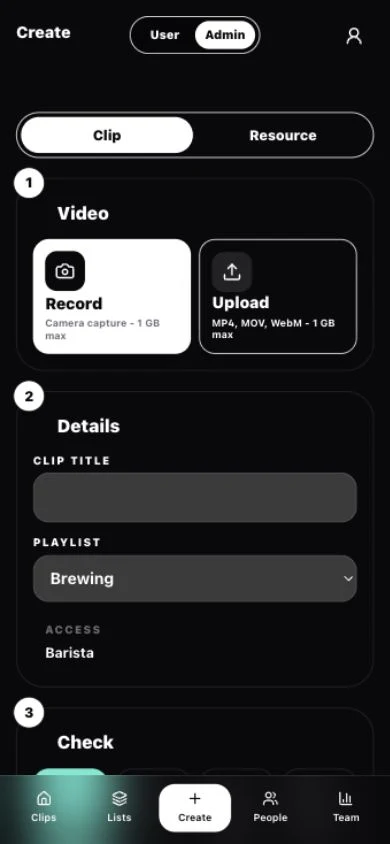
An admin records or uploads a clip, adds it to a playlist, and can attach a quick check. Group assignments determine who sees each list. Admins can publish reference material alongside the videos.

Short-form team training · By Alexander Coggins
clips.team is a mobile-first training app for short videos, quick checks, and everyday job resources. I built both sides of the workflow, from an employee opening the next clip to an admin seeing what the team has completed.
An admin records or uploads a clip, adds it to a playlist, and can attach a quick check. Group assignments determine who sees each list. Admins can publish reference material alongside the videos.
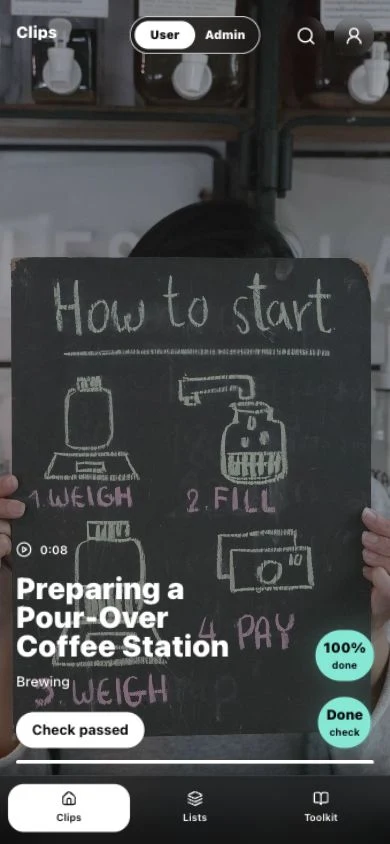
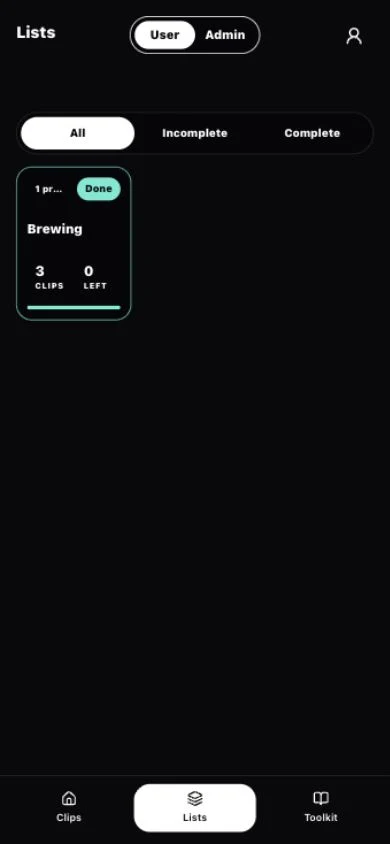
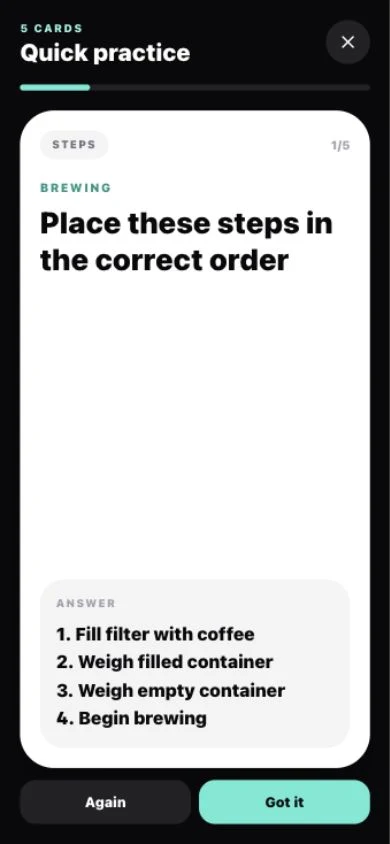
Learners get an assigned video feed and can check each list’s progress. A completed clip can show whether they passed its check. The Toolkit keeps job resources and quick practice cards within reach.
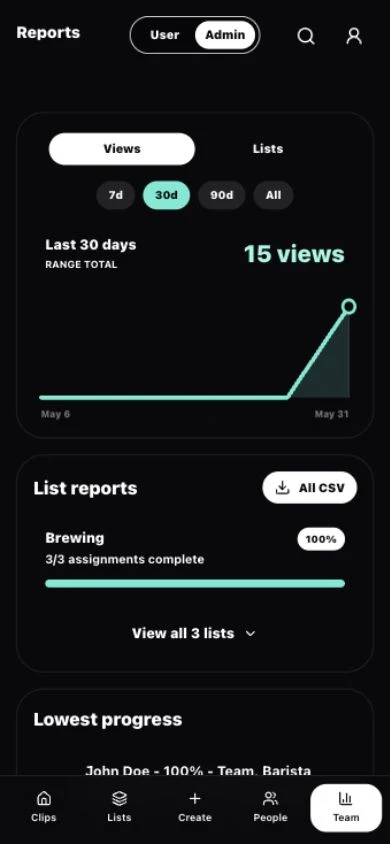
Team reports show clip views and list completion. An admin can see which learners are still in progress, which checks still need attention, and export reporting rows for follow-up.